Test Case Management System (TCMS)
Scope
This is a guide on how to use the Test Case Management System (TCMS) over at https://tcms.sage-cubesat.ch.
Overview
SAGE uses Kiwi TCMS for it's TCMS.
A TCMS is used to document test procedures and track testing runs.
Kiwi TCMS differentiates between three elements
- Test Cases
- Test Plans
- Test Runs
Test Case
A test case is the lowest hierarichal element and descibes a test step to be executed.
A test case can either be a step to be executed or a measurement.
Test Plan
A Test Plan is a collection of various test cases to be executed in sequence.
Test Run
A Test Run is a single execution of a Test Plan.
Createing a Test Case
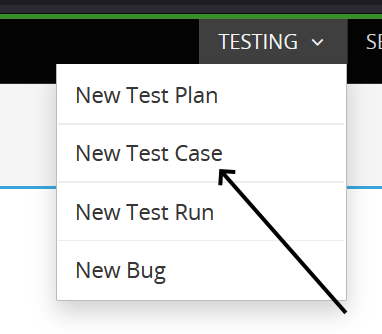
In the navigation-bar of the TCMS, click Testing > New Test Case.
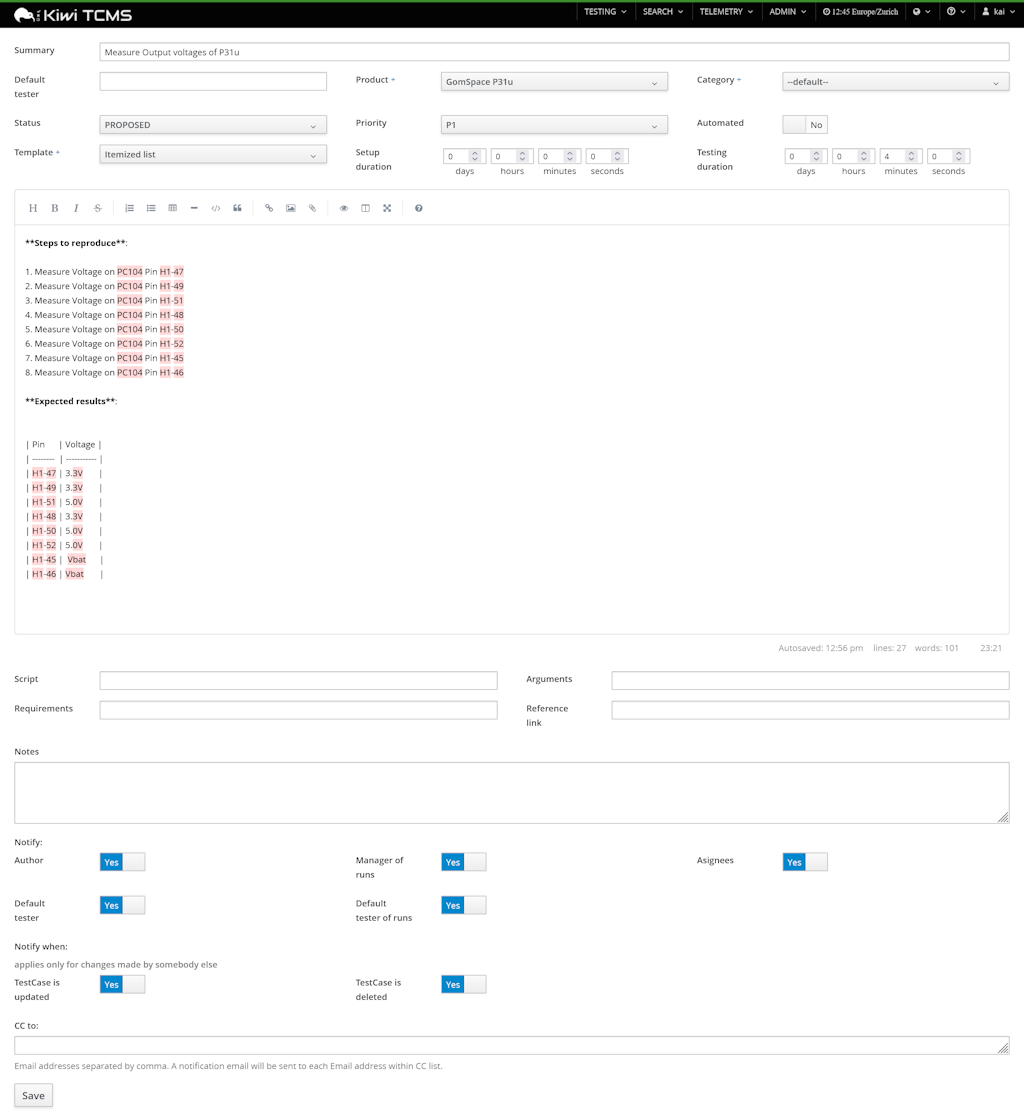
- Fill out
Summarywith a short, descriptive name of the test case i.e.Measure output voltages of P31u. - Select the component under test as the
Product. If no fitting product exists, contact a SE. - Use the
Itemized ListTemplateto pre-populate the procedure. - (Optional) Give a time estimate for
Setup durationandTest duration. - Fill out the Test Case description with steps to execute and expected results.
- (Optional) Provide a reference link to the documentation page justifying this test case.
- Send the Test Case to a SE for double checking before setting the status to
CONFIRMED.
Createing a Test Plan
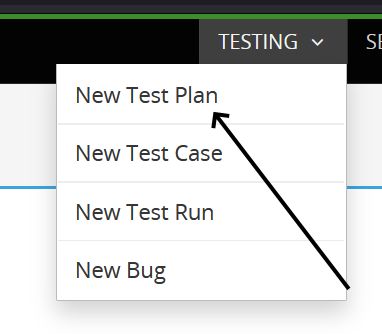
In the navigation-bar of the TCMS, click Testing > New Test Plan.
Createing a Test Run
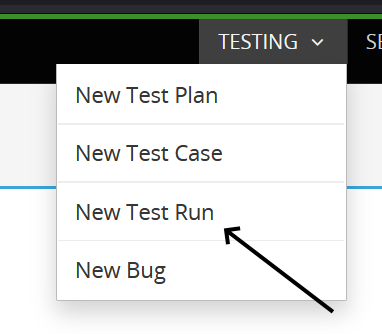
In the navigation-bar of the TCMS, click Testing > New Test Run.